Skip to content

For educators

Make room for every learner.

Practical classroom adjustments, shared skill practice and an inclusive approach that begins with the environment.

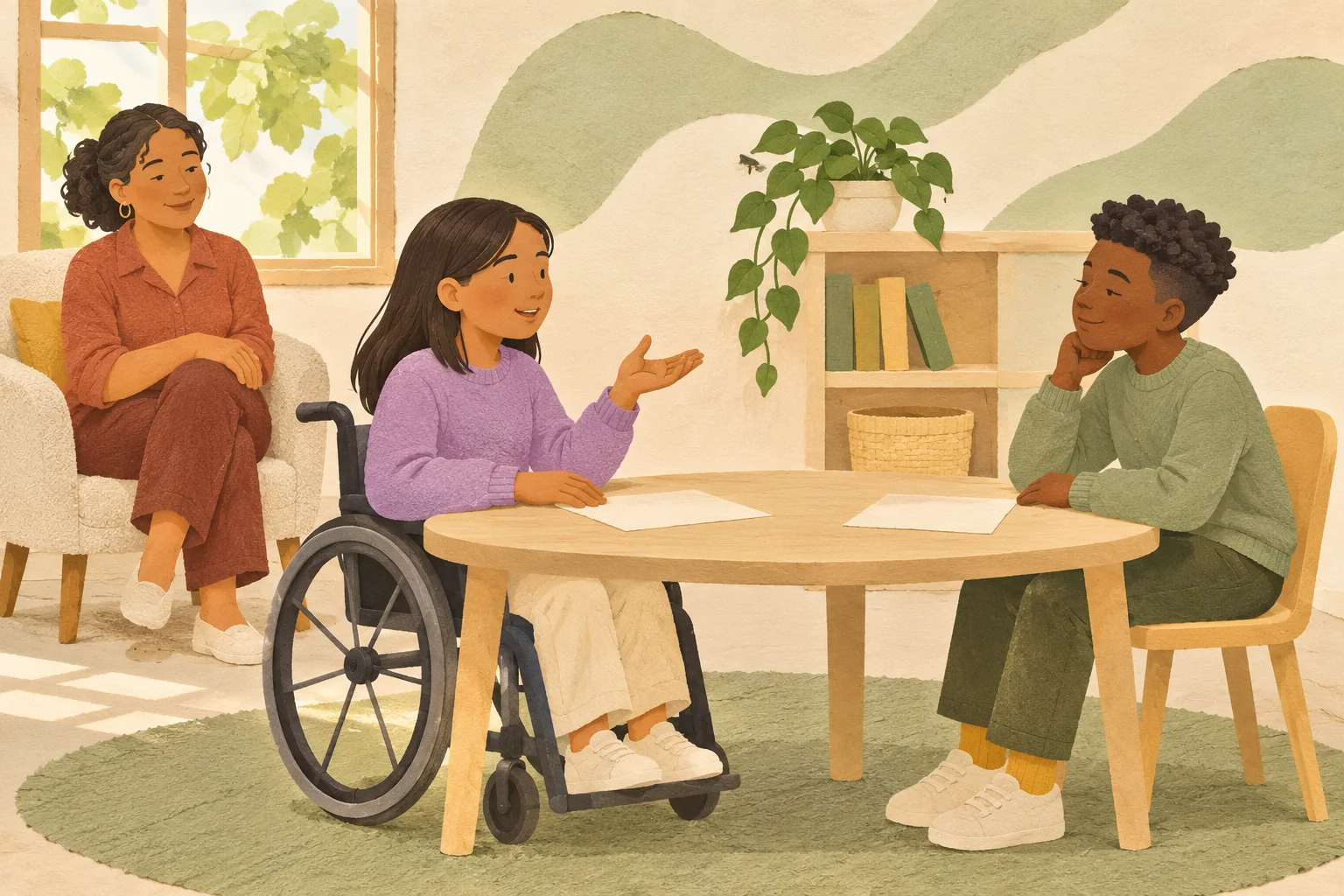
Illustration of two people communicating in a calm learning space with another person nearby.

Inclusion in practice

A small adjustment. A meaningful difference.

Practical learning activity

Practical teaching resources, not a learner assessment. No pupil details, individual records or classroom analytics are collected. Adapt these ideas to your school's policies and support plans.

Choose a classroom moment

Transitions

  1. Show what is finishing, what comes next and where to go. Give a clear, gentle advance cue.

  2. Offer a quieter route or additional time where needed, without singling anyone out.

  3. Check understanding with a choice or demonstration rather than requiring a spoken answer.

Prepare your next activity

This checklist resets when you leave or reload. It is not a classroom record.

Open six guided skill modules

Use together. Take with you.

Small cards. More ways to join.

Choose a visual schedule, communication cards or a short role-play to explore together in a learning setting. Adapt the activity, not the person.

Participation is optional. These symbols may not suit everyone: confirm their meaning together, or use familiar pictures, objects or words instead. These cards do not replace a person's established AAC (augmentative and alternative communication) or support plan. They are learning resources, not a diagnostic assessment.
Choose a printable resource

Our next few steps

A starting point for transitions. Keep three or four steps, change a picture or move a step earlier or later. Agree the order together and change it when needed. This is a guide, not a reward chart.

  1. Step 1

    Check together

  2. Step 2

    Take a break

  3. Step 3

    Read

Download activity pack (PDF)

Opens your browser's print dialog for this resource only. Choose Save as PDF if your browser offers it. Selections stay only in this open page's memory and reset when you reload, leave or choose a different classroom moment. This tool does not request or save personal details, scores or responses.